
How-to articles
-
How to Reset Your Laptop Without Losing Data
When your computer becomes slow, starts crashing, or behaves unusually, performing a reset often solves most issues. But many users…
Read More » -

How to Find the Best Budget Laptop for Online Classes
Online learning is now a big part of students’ lives, which is why choosing the right laptop is extremely important.…
Read More » -
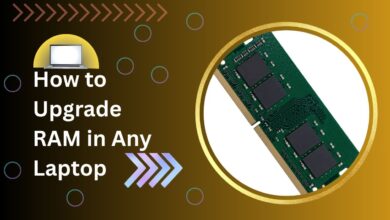
How to Upgrade RAM in Any Laptop (Step-by-Step Guide)
If your laptop has become slow and struggles to run multiple applications, upgrading the RAM is one of the easiest…
Read More » -
How to Improve Laptop Wi-Fi Speed and Signal Strength
A slow internet connection can ruin your productivity, online classes, gaming, and streaming experience. Many people think they need a…
Read More » -
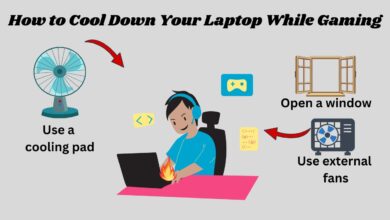
How to Cool Down Your Laptop While Gaming
Gaming laptops are powerful, yet they often heat up quickly during long gaming sessions. Because modern games demand high CPU…
Read More » -
How to Check Laptop Battery Health in Windows 10/11
Your laptop battery plays a major role in performance, portability, and productivity. Over time, every battery begins to degrade naturally.…
Read More » -
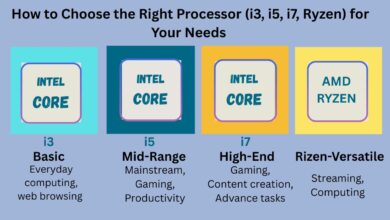
How to Choose the Right Processor (i3, i5, i7, Ryzen) for Your Needs
Choosing the perfect CPU for your laptop or desktop is one of the most important decisions you will ever make…
Read More » -
How to Keep Your Laptop Safe from Viruses and Malware
Keeping your laptop protected has become more important than ever. Cybercriminals are constantly developing new tricks, and most users unknowingly…
Read More » -
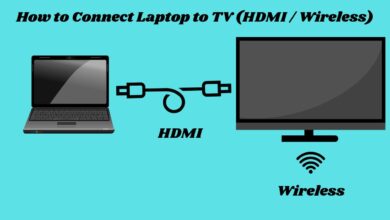
How to Connect Laptop to TV (HDMI / Wireless)
Whether you’re watching movies, playing games, attending online classes, or giving a presentation, knowing how to connect a laptop to…
Read More » -
How to Boost Gaming Performance on Low-End Laptops
If you often face lag while gaming, you are not alone. Countless players search for ways to improve FPS and…
Read More »